API Credentials
Your Client ID and Client Secret authenticate your integration against the CELITECH API, using the OAuth 2.0 client credentials flow.
Finding Your Credentials
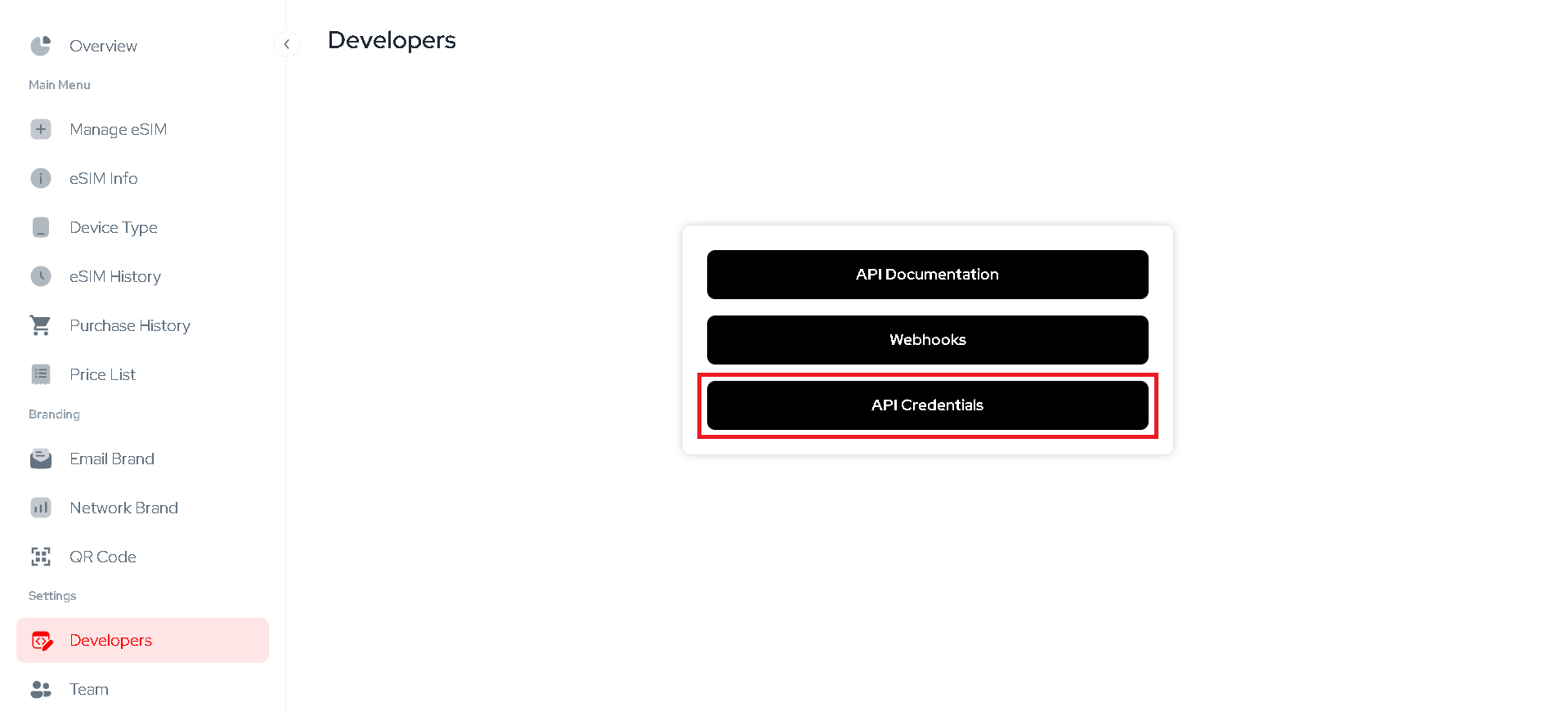
In the dashboard, go to Developers → API Credentials. Only an account admin can view them — other members see a prompt to contact their administrator.
Never expose your Client ID or Client Secret in frontend code, public repositories, or client-side applications. Always use them server-side, stored securely (e.g., environment variables or a secrets manager).
Using Them
Exchange your Client ID and Client Secret for an access token, then use that token to authenticate your API calls — see the Quickstart for the full walkthrough, or Test in Postman to try it without writing code. Our SDKs handle this exchange for you.
The same Client ID and Client Secret also authenticate the iFrame and Zapier integrations.
Sandbox credentials work exactly the same way — see Sandbox.